
%20(1).png?width=1943&height=1082&name=Mask%20group%20(2)%20(1).png)
-
1
Descriptive alt text for meaningful images
Alt text helps search engines understand what an image depicts. This is beneficial not only for SEO but also for accessibility, as it provides descriptions for those who use screen readers.

-
2
Add structured data and schema markup
Implementing structured data and schema markup can enhance your site’s appearance in search results through rich snippets.
This aids in conveying the context of your pages to search engines, making the content more accessible and informative.
-
3
Use proper heading structures and tags
Proper use of header tags (H1, H2, H3, etc.) organizes content clearly on your web pages.
This structure helps both search engines and assistive technologies understand the hierarchy and importance of the information presented.
-
4
Use descriptive link text
Using descriptive, meaningful text in your links helps users and search engines understand the destination of the links. Avoid vague text like “click here,” unless contextually relevant.

-
5
Ensuring readability
Simple, clear language helps search engines better interpret your site content. It benefits all users, including those with cognitive disabilities.

-
6
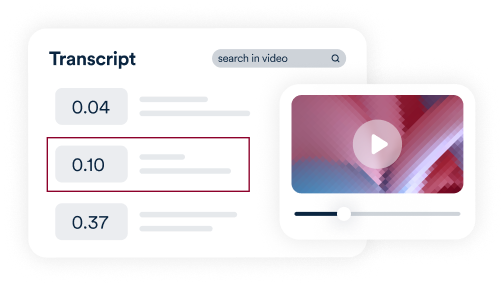
Add transcripts to videos
Including transcripts for video content not only enhances SEO by creating additional indexable text rich in keywords but also makes your content accessible to people who are deaf or hard of hearing.
-
7
Make sure your website is responsive
A mobile-responsive website adjusts seamlessly to different screen sizes, improving the experience for mobile users and affecting SEO rankings, as search engines favor mobile-friendly sites.

-
8
Add ARIA Landmarks
Using ARIA landmarks helps search engines understand the layout and sections of your website, enhancing contextual understanding and SEO. This practice also improves navigation for users with disabilities by identifying key regions of a page, such as navigation, main content, or footers.

-
9
Add Include title tags
Title tags specify the title of each webpage. They’re important for both an accessible user experience as well as boosting your ranking on search engine results pages. Make sure your title tags are descriptive and accurate, and that they include relevant keywords.

-
10
Make sure it’s easy to navigate
Ensuring an easy-to-follow navigation structure makes it easier for everyone to use your website. It can also improve your SEO rankings by enabling search engines to understand the structure of your website.
.png)